前言
在一些线下断网环境下的比赛中,如果遇到不懂的知识点时,我们习惯性地使用大模型进行查询,但没有网络时就会感到不习惯。不过,我们可以通过部署本地大模型来解决这一问题。
部署ollama
通过 ollama 进行本地大模型部署。
官网下载部署
通过在官网下载相应系统的安装包安装 ollama。
官网:https://ollama.com/download
Docker 部署
执行以下命令搜索 docker hub 上的 ollama 镜像。
❯ docker search ollama
NAME                       DESCRIPTION                                      STARS     OFFICIAL
ollama/ollama              The easiest way to get up and running with l…   1482
alpine/ollama              Minimal CPU-only Ollama Docker Image             11
dustynv/ollama             https://github.com/dusty-nv/jetson-container…   8
shinejh0528/ollama         ollama + fastAPI server                          0
tmvdl/ollama               An Ollama Docker Image                           1
eisai/ollama               ollama for Windows with CUDA support.            1
litellm/ollama             An OpenAI API compatible server for local LL…   14
dimaskiddo/ollama          Debian Based Ollama Image Repository             0
tobix99/ollama             Fork of normal ollama with this fix: https:/…   0
leopony/ollama                                                              3
soldemeyer/ollama                                                           0
dhiltgen/ollama                                                             0
zoull/ollama                                                                0
mthreads/ollama                                                             2
wanhuatong/ollama                                                           0
diliprenkila/ollama                                                         0
intoreal/ollama                                                             0
innodiskorg/ollama         For AccelBrain use. v0.1 builed from ollama …   0
vbehar/ollama                                                               0
sxk1633/ollama                                                              0
madebytimo/ollama                                                           0
saladtechnologies/ollama   Adds a salad entrypoint to the ollama image      0
olegkarenkikh/ollama                                                        0
linyinglv/ollama           Jupyter + Ollama with CUDA 12.4 base             0
ofalolu/ollama                                                              0
选择第一个镜像下拉:
docker pull ollama/ollama
创建容器:
docker run -d -p 11434:11434 --name ollama --restart always ollama/ollama:latest
进入容器:
docker exec -it ollama /bin/bash
模型部署
下拉模型
hf.co/byteshape/Qwen3-30B-A3B-Instruct-2507-GGUF是一个经过量化之后的模型,效果还是比较好的。
执行以下命令部署大模型:
ollama pull hf.co/byteshape/Qwen3-30B-A3B-Instruct-2507-GGUF
ollama run hf.co/byteshape/Qwen3-30B-A3B-Instruct-2507-GGUF:FILE_NAME.gguf
修改名称
模型名字太长,我们可以修改一下。通过引用当前模型创建一个新模型来修改名字。
- 创建一个Modelfile
echo "FROM hf.co/byteshape/Qwen3-30B-A3B-Instruct-2507-GGUF:latest" > Modelfile
- 生成新模型
ollama create qwen3-30b -f Modelfile
测试
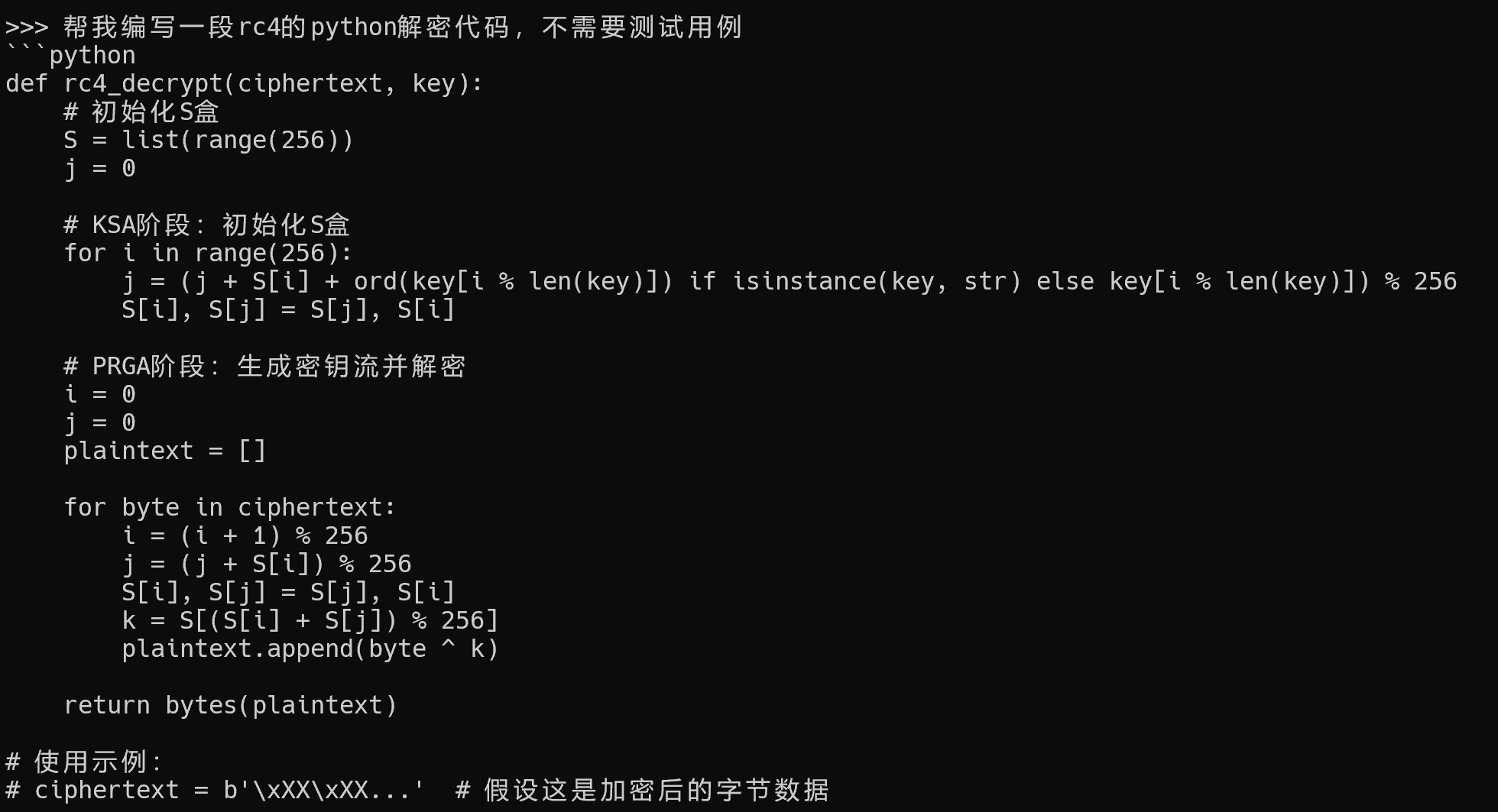
效果还行,聊胜于无。